Seven exchanges,
one charting workspace
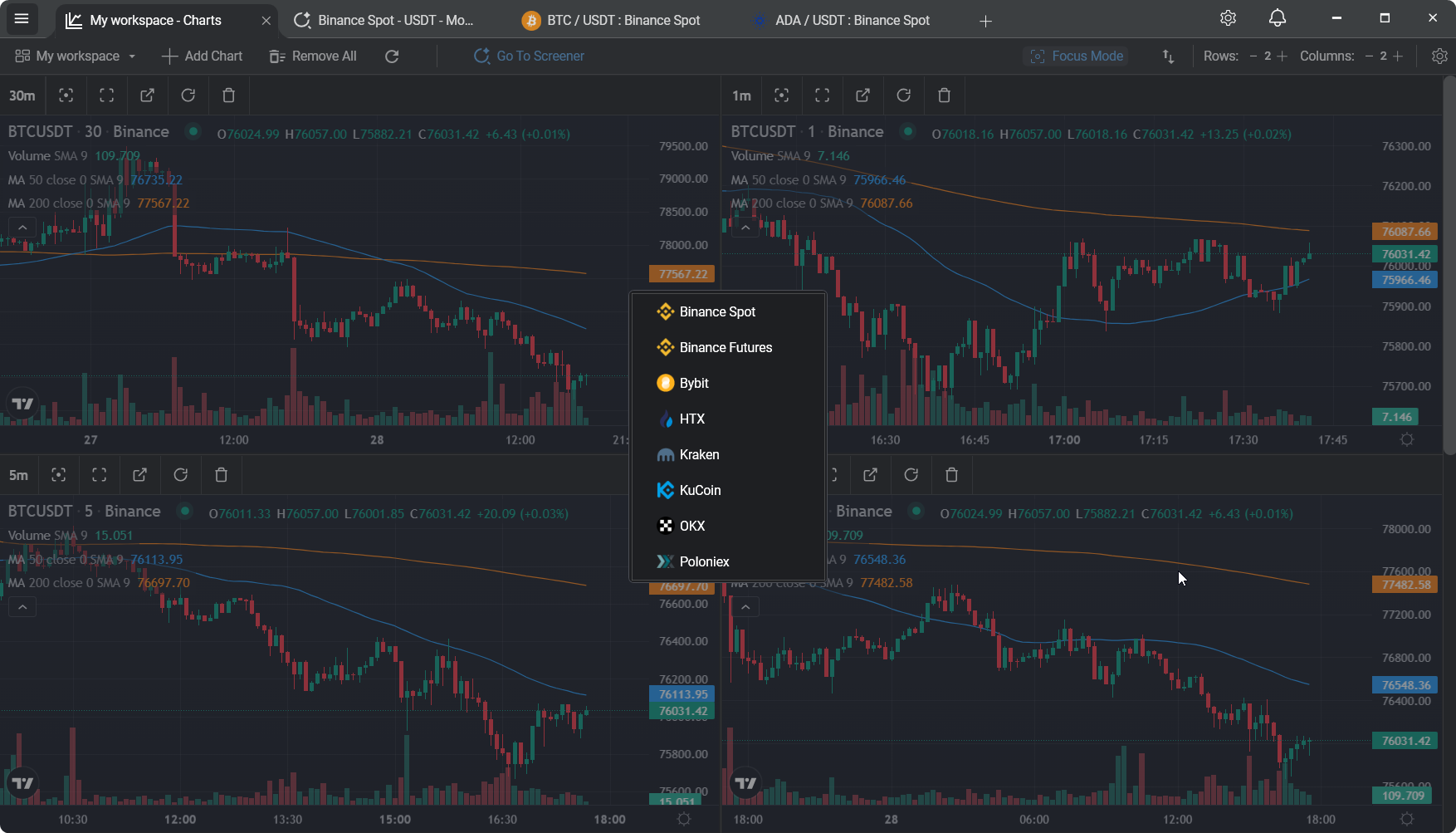
Binance, Bybit, Kraken, KuCoin, OKX, HTX, Poloniex. Switch between them without leaving the app. Direct WebSocket connections, no data aggregator in the middle, no API keys needed for public market data.
Trading across exchanges means juggling tabs
You have a Binance account and a Bybit account. Maybe Kraken for fiat rails, KuCoin for a long-tail alt, OKX because the futures market there is deeper. Each exchange has its own web interface, its own charts, its own quirks. You bounce between four browser tabs just to sanity-check a price.
Aggregator tools exist, but most of them pull their data through a third-party provider - which means extra latency, occasional mismatches with the exchange's own feed, and monthly bills for data you could be getting directly.
TabChart connects directly to each exchange
Each supported exchange exposes a public WebSocket API for market data. TabChart speaks to each of them directly - no proxy, no data aggregator, no API keys involved (public market data doesn't need them). When you pick an exchange in the app, you're getting the same feed the exchange serves to its own web frontend.
Switching exchanges is instant. Your chart tabs, indicators, and preferences stay intact - the app reconnects the feeds, the charts repopulate, and you're reading the new exchange's markets within a second.
The seven supported exchanges

Spot, the largest order book

Spot market feed

US/EU fiat pairs, BTC focus

Long-tail altcoin coverage

Global spot market

Strong Asia-facing liquidity

Long-running alt coverage
Why "direct" actually matters
Most multi-exchange tools route through a data provider - CryptoCompare, CoinAPI, or their own aggregation server. That adds a hop, a caching layer, and a source of drift. On quiet markets you won't notice. On fast-moving ones, the aggregator's price and the exchange's own book can diverge by a few seconds.
When you're looking at a chart to decide whether to place an order on that exchange, you want to see what that exchange is actually showing its own users. Direct WebSocket connections make that the default.
What the multi-exchange workflow gets you
- One workspace, seven exchanges. No more switching between browser tabs. Switch exchanges in-app in a click.
- Direct WebSocket per exchange. No proxy, no aggregator, no API keys needed for charting.
- Same charts, same screener. The preset layouts and screener work identically across every supported exchange.
- Pair coverage follows the exchange. Whatever pairs the exchange lists, TabChart can chart. Long-tail alts included.
- No account required. Install, pick an exchange, start charting. Nothing to sign up for.
- Your data stays local. Connections are between your machine and the exchange. No TabChart-side analytics logging what you watch.
Practical questions
"Can I see multiple exchanges in one layout?"
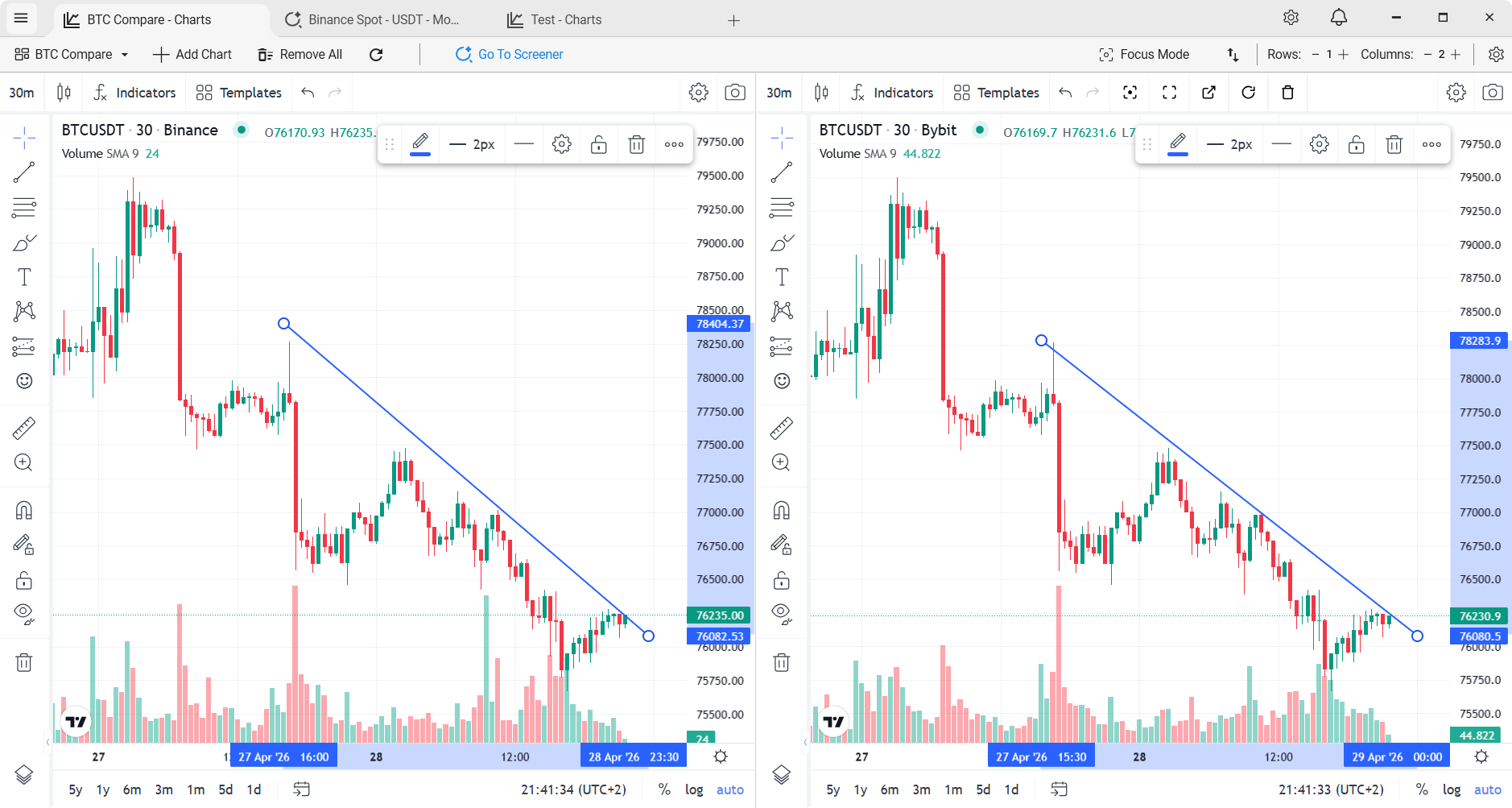
Yes - each chart tile can point at a different exchange. So a workspace can show BTC/USDT on Binance, the same pair on Bybit, and ETH/USDT on Kraken, all in one view, all live at the same time.
"Will you add more exchanges?"
Probably, but only ones that expose a solid public WebSocket feed and have real liquidity. The seven supported today cover the vast majority of serious crypto trading volume.
"Do I need a VPN or proxy to connect?"
No. TabChart connects directly to each exchange's public API; no proxy infrastructure is involved. Whether the exchange itself is available from your region is a separate question - that's down to the exchange.
"Does this include derivatives or just spot?"
Spot markets are the primary focus today. That's what the presets and screener are built around.
Related
Real-time crypto charts on Windows
The WebSocket-only pipeline behind the multi-exchange workflow.
Real-time crypto market screener
Scan any of the seven supported exchanges.
Multi-chart crypto setup
Multi-chart layouts across pairs and exchanges.
TabChart vs Coinigy
The other major "many-exchange" tool - where each fits.
Stop bouncing between exchange tabs
One app, seven exchanges, direct feeds. Free.
Download TabChart freeWindows 10/11 - free, no account needed